
Device12 articles
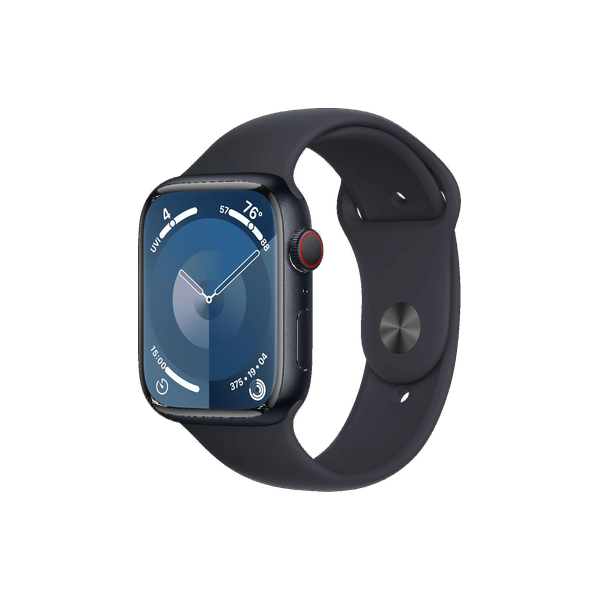
Apple Watch
Siri on your wrist — start workouts, set timers, fire off a quick reply.
- Check your Activity rings with SiriAsk how close you are to closing your Move, Exercise, and Stand rings without opening the app.
- Check your Apple Watch battery with SiriAsk your Watch how much charge is left without raising the screen to look.
- Check your heart rate with SiriAsk Siri on your Apple Watch for a live heart-rate reading, or to report recorded data from the Health app.
- Check your sleep with SiriAsk how you slept last night, drawn from the sleep data your Apple Watch records.
- Check your step count with SiriAsk how many steps you've taken today, read from Health, on your Apple Watch.
- Control music from your Apple Watch with SiriPlay, pause, and change tracks on whatever's playing by speaking to your Watch, even on speakers elsewhere.
- Find your iPhone from your Apple Watch with SiriAsk Siri on your Watch to ping your iPhone so it plays a sound, even on silent, when it's nearby but lost.
- Have Siri read notifications on Apple WatchHear your alerts read aloud on your Watch through a connected speaker or AirPods, hands-free.
- How to start a workout on Apple Watch with SiriStart any workout type hands-free from your wrist with one phrase.
- Start a mindfulness session with SiriBegin a guided breathe or reflect session on your Apple Watch by voice.
- Start a specific workout on Apple Watch with SiriBegin the exact workout type by voice on your Watch so tracking starts without tapping through menus.
- Start a timer on Apple Watch with SiriSet a countdown by voice on your Watch for workouts, cooking, or breaks, with a tap on the wrist when it ends.