
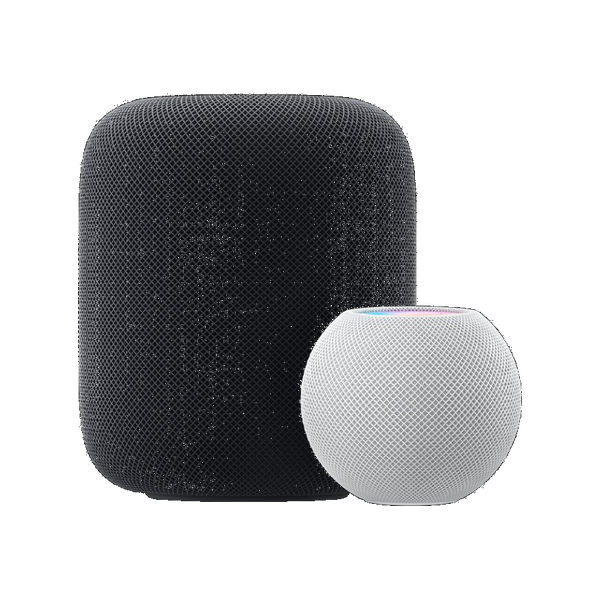
Device14 articles
HomePod
Voice-first Siri for the home — music, smart home, timers, and answers out loud.
- Add a song to the queue with SiriLine up a track to play next on HomePod without interrupting what's playing.
- Adjust HomePod volume with SiriSet an exact level or nudge it up and down by voice, and target one speaker by naming its room.
- Ask HomePod what song is playingIdentify the music playing in the room by asking your HomePod, then add it to your library.
- Play a podcast on HomePod with SiriAsk HomePod to play, resume, skip, or speed up a podcast from Apple Podcasts, hands-free.
- Play a radio station on HomePod with SiriTune in to a live or internet radio station by name through your HomePod, hands-free.
- Play an audiobook with SiriResume or start an audiobook on HomePod by voice, hands-free.
- Play music on every speaker with SiriFill the whole house with the same audio by asking Siri to play everywhere across your HomePods and AirPlay speakers.
- Play sleep sounds on HomePod with SiriFill the room with rain, white noise, or other ambient sounds by voice to help you wind down.
- Play the news with SiriAsk Siri for an audio news briefing or your favourite news show through HomePod or another device.
- Run a Home scene with SiriTrigger a whole set of smart-home actions at once — like "Good Morning" — with a single phrase.
- Send an Intercom message with SiriBroadcast a quick voice message to every HomePod and device in your home.
- Stop music after 30 minutes with SiriSet a HomePod sleep timer by voice that fades audio out when time's up, without setting an alarm.
- Turn on the lights in one room with SiriControl lights room by room through HomePod by naming the room, and dim or switch whole zones at once.
- Why won't Siri work on your HomePod?The most common reasons HomePod ignores "Hey Siri" — and how to fix each.